
How to Replace RJ45 Connector
2025-06-06
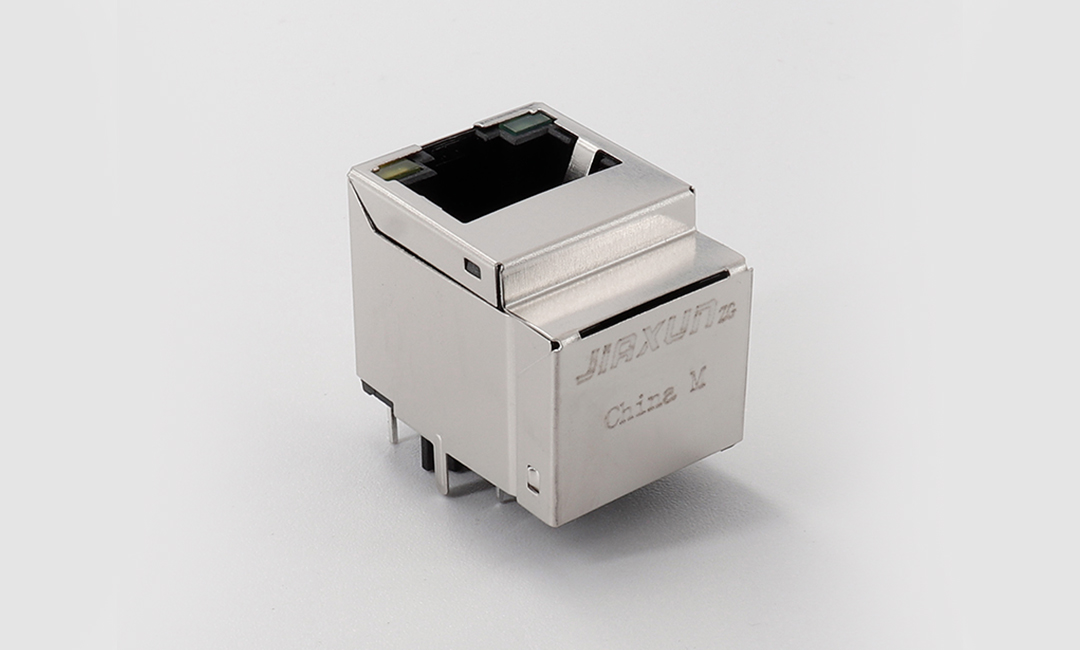
Maintaining reliable Ethernet connections is critical for businesses relying on stable network performance. A faulty RJ45 connector can disrupt operations, but replacing it is a straightforward process with the right tools and techniques. This guide outlines the steps to replace an RJ45 connector efficiently, ensuring optimal network functionality.
Step 1: Gather Tools and Materials
Start by preparing essential tools:
- RJ45 Crimping Tool: Choose a high-quality, ratchet-style crimper compatible with Cat5e, Cat6, or Cat6a cables. Recommended models include the VCE Link Pass-Through Crimper or Klein Tools VDV 226-110 .
- Wire Stripper/Cutter: Ensure it can handle both cutting and stripping tasks without damaging internal wires.
- New RJ45 Connector: Select a connector matching your cable type (e.g., Cat6 for high-speed networks).
- Network Tester: Use a device like Sperry Instruments’ Crimp N Test to verify connectivity post-repair .
Step 2: Cut and Strip the Cable
- Trim the Damaged End: Use the wire cutter to remove the faulty RJ45 connector, ensuring a clean cut.
- Strip the Outer Sheath: Insert 1–2 inches of the cable into the stripper’s slot and gently squeeze to remove the outer insulation. Avoid cutting the inner twisted pairs .
Step 3: Organize and Trim Wires
- Align by Standard: Follow the T568B color sequence (orange/white, orange, green/white, blue, blue/white, green, brown/white, brown) for most Ethernet applications . If using shielded cables, ensure proper grounding.
- Trim to Length: Cut the aligned wires flush with the stripper, leaving 0.5 inches of exposed wire. Keep them tightly grouped to prevent misalignment.
Step 4: Insert and Crimp the Connector
- Insert Wires: Slide the stripped end into the RJ45 connector, ensuring each wire fully reaches the metal contacts. The connector’s clip should face downward, with the orange/white wire on the left .
- Secure with Crimper: Place the connector into the crimper’s designated slot and squeeze firmly until it clicks. This action secures the wires and crimps the connector permanently.
Step 5: Test the Connection
Use a network tester to check continuity across all eight pins. If any pin fails, re-examine the wire alignment and repeat the crimping process. Properly terminated connectors will show a full sequence of green lights on the tester .
Key Considerations
- Tool Quality: Invest in durable crimpers to avoid inconsistent results. Low-quality tools may cause loose connections or damaged wires.
- Cable Type: Adjust stripping depth for Cat6a or shielded cables to maintain signal integrity.
- Safety: Power off devices before handling Ethernet cables to prevent electrical mishaps.
Partner with Innovation: Introducing Jiaxun Intelligent Technology Co., Ltd.
For businesses seeking advanced network solutions, Jiaxun Intelligent Technology Co., Ltd. stands as a trusted partner. Established in 2020 and headquartered in Huizhou, China, Jiasun specializes in developing cutting-edge connectivity and smart hardware technologies.
Core Offerings
- Patented Solutions: The company holds a 2025 patent for a multi-port network connector, enabling simultaneous high-speed connections for IoT devices, industrial automation, and smart homes .
- End-to-End Connectivity: Jiaxun’s products integrate seamlessly with AI and 5G technologies, ensuring robust performance in demanding environments.
- Quality Assurance: With a focus on R&D and IP protection, Jiasun delivers reliable solutions that meet global standards, supported by a team of seasoned engineers.
Industry Impact
Jiaxun’s innovations have been pivotal in enhancing network efficiency across sectors like energy, transportation, and defense. Their connectors are engineered for durability and scalability, aligning with the growing demands of digital transformation.
By combining precision craftsmanship with technological foresight, Jiasun empowers businesses to build future-proof networks. For customized solutions or bulk orders, contact Jiasun today to elevate your connectivity infrastructure.
Stay connected, stay ahead with Jiaxun Intelligent Technology.
This guide equips you with the knowledge to resolve RJ45 connector issues promptly, while Jiaxun’s expertise ensures your network remains at the forefront of innovation.
How to Install and Troubleshoot Ethernet Connector RJ45
RJ45 Modular Jack: Your Essential Network Connection Solution
Related Article

LAN Transformer vs Discrete Magnetics Guide | JIAXUN
LAN Transformer vs. Discrete Magnetics: Why Integrated RJ45 Connectors are Better for Modern Networking
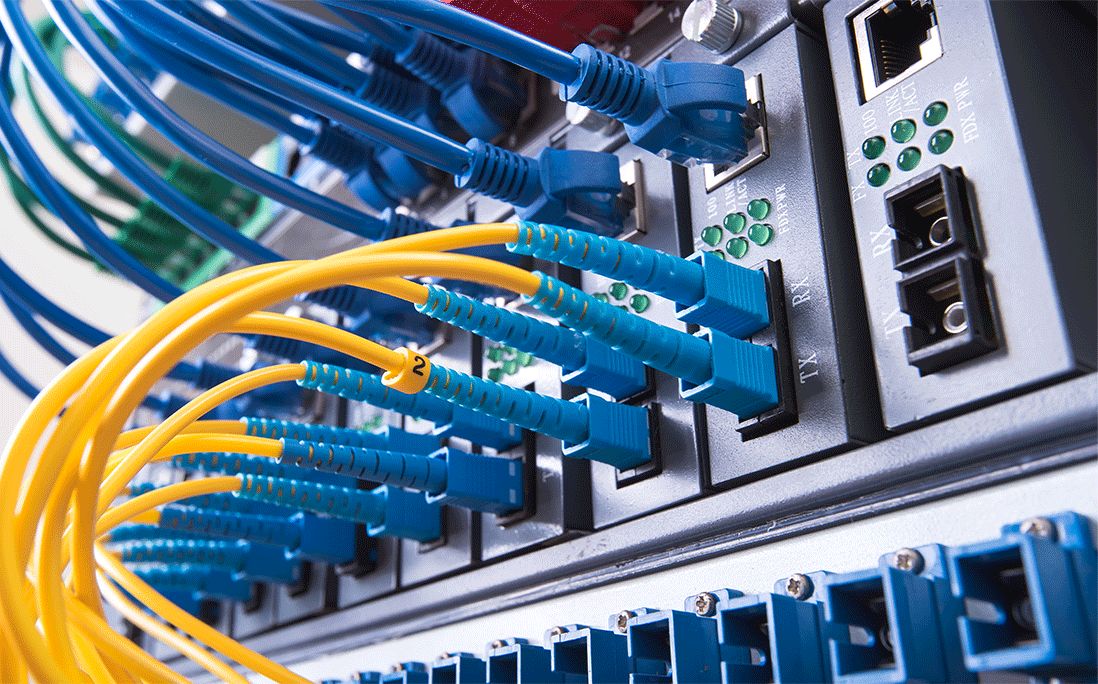

Invitation | Jiaxun (Huizhou) Intelligent Technology Invites You to the 2026 Global Sources Consumer Electronics Show
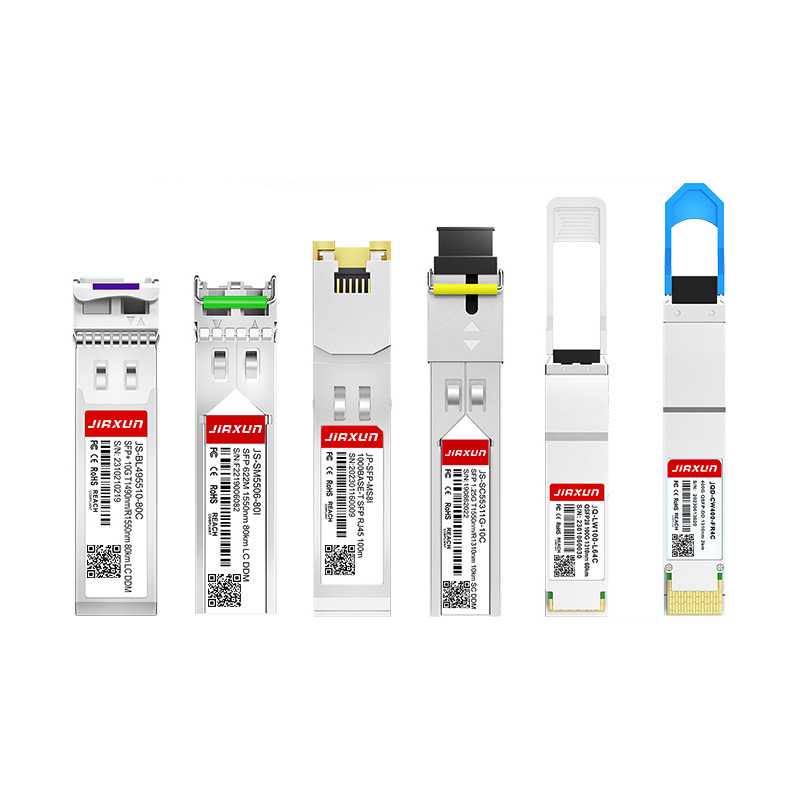
As global data traffic continues to grow rapidly, modern networks require faster and more efficient data transmission technologies. Optical transceivers play a critical role in fiber optic communication systems by converting electrical signals into optical signals for high-speed data transmission.
Complete Guide to SFP Modules and Optical Transceivers SFP, 10G SFP+, SFP28, QSFP28, QSFP-DD, 400G and 800G Modules Explained